Switch back to German
Offers
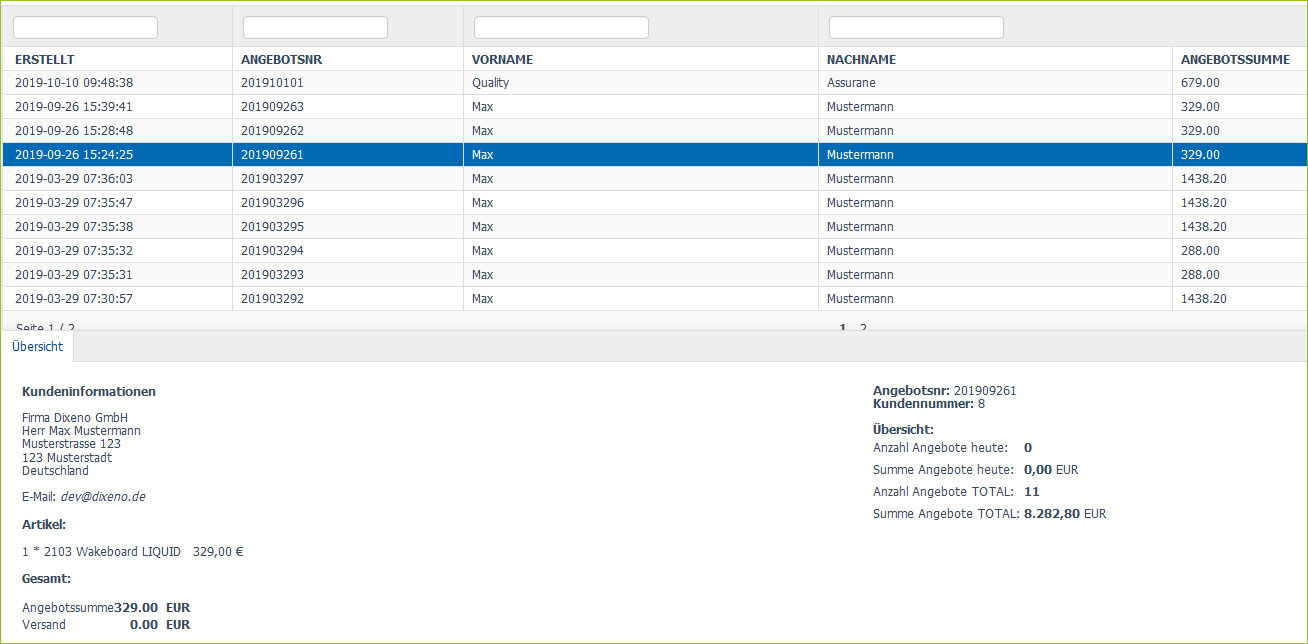
You can find all quotes that customers have requested under Marketplace > Offers.
You can filter the view. When you click on an offer, you will see the details of the offer in the bottom pane.
Define Validity Period for Quotations
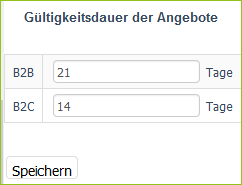
You can define how long (in days) a quote should be valid when a quote is created. The validity period is displayed in the PDF of the quote. A different time period can be defined for B2B and B2C customers.
If you enter 0, offers are valid only on the day the offers are created.
How to:
-
Go to Marketplace > Validity period of the offers.
-
Enter a value for the duration in the B2B and B2C areas.
-
Click on Save.
View PDF Files of the Quotes
You can search for quotes in the normal overview under Marketplace > Offers. But if you want to view the PDF of the quote you are looking for, then you must go to Marketplace >Search offers.
How to:
-
Go to Marketplace > Search offers.
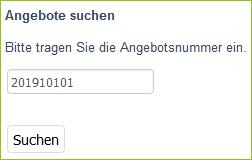
You will see an input mask:
-
Enter a quote number and click Search.
If the search returns a result, you will see a table with the data about the quote below the mask:

-
To view the PDF of the quote, click the View Offer button.